Education and explainer thumbnails: what they have in common, and why
Education thumbnails sell the moment something makes sense. They usually show one idea as a simple picture, a path or arrows that hint at the explanation, and a short question or claim in big type. The face, when there is one, looks like a friendly guide rather than a shocked reactor. This page explains why, walks through three made-up examples, and shows how each example title fits YouTube's title boxes as we measured them in November 2026.
Updated 2026-11-23
Make tools for creators? Sponsor this page.
What education and explainer thumbnails tend to share
One idea, drawn as a picture
A cutaway, a diagram, a map or a chalk drawing of the single thing the video explains, in flat, bold colours.
Why it is done: A viewer picks an explainer because they want one thing to click. Showing that thing as a picture promises it will be clear. Flat colours and thick outlines also survive shrinking far better than photos with fine detail, which matters when an up next thumbnail is 235 pixels wide on a laptop (our measurement, 16 November 2026).
A path that hints at the answer
A dashed line, a set of arrows, or a pointer that moves through the picture.
Why it is done: Arrows turn a still picture into a process: down through the layers, in from the borders, along the chalk. They suggest the video will walk you through it step by step, without giving the answer away.
A short question or claim
Two or three words in heavy capitals: a question with a question mark, or a confident claim that something works.
Why it is done: Curiosity is the reason to click, so the words state the gap plainly. A question invites the viewer to guess. A claim like IT WORKS promises a payoff and leaves the viewer asking what works and how.
A guide, not a reactor
A host or a cartoon character with a calm, warm or knowing expression, often pointing at the idea. Some explainers use an object in place of a person.
Why it is done: Explainer viewers choose a teacher they trust. A friendly or knowing look signals patience and confidence. A screaming face would promise drama the video probably does not have.
A setting that names the subject
A chalkboard for maths, an aged map for history, space or a cutaway for science.
Why it is done: The background tells the viewer the subject in a glance, before any words are read. That frees the text and the title to carry the specific question.
Three worked examples
Each one is drawn to show the conventions above. Look at what the picture does, then at what the words add.
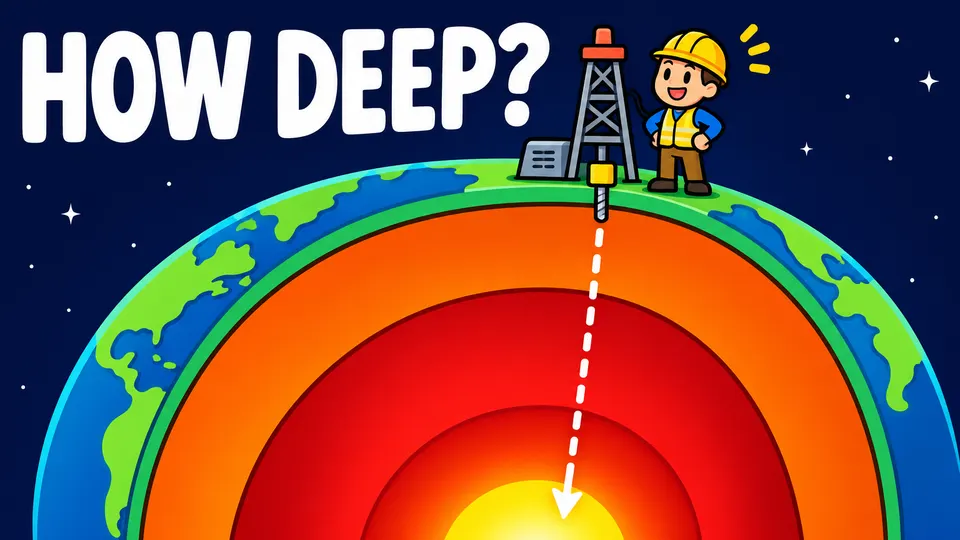
Made-up example, not a real video. How Deep Can We Actually Dig?
A cartoon cutaway of the Earth fills the lower half: green and blue crust, then orange, red and a glowing yellow core. A drilling rig sits on top with a cheerful cartoon worker in a hard hat beside it, and a white dashed arrow runs from the drill bit straight down towards the core. HOW DEEP? sits top left in huge white letters against a starry navy sky. The arrow is the whole video in one stroke, and the bright layers against the dark sky keep it readable at any size.
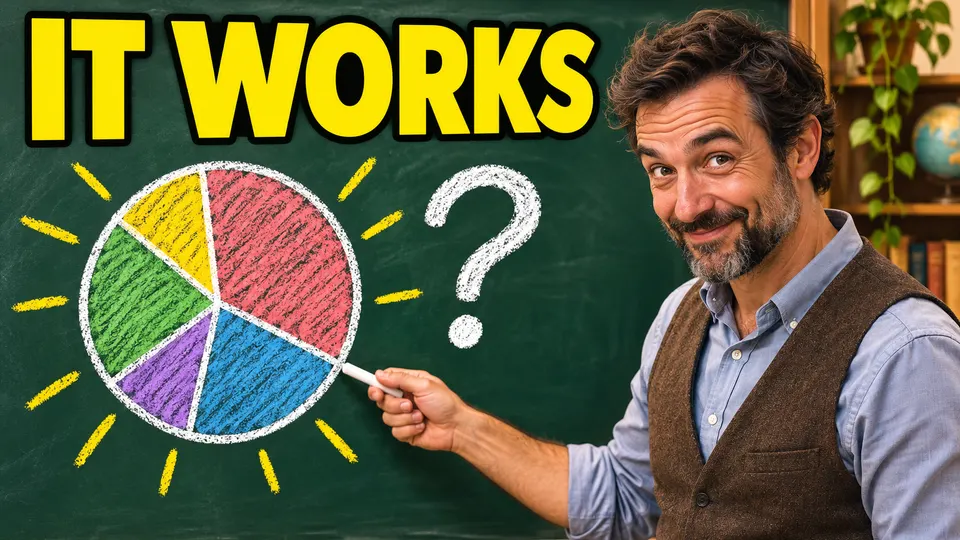
Made-up example, not a real video. The Classroom Trick That Makes Fractions Easy
A friendly teacher in a brown waistcoat smiles knowingly and touches a chalk pie chart with a stick of chalk. The pie has five coloured slices with yellow chalk rays around it, and a big white chalk question mark sits between the chart and his face. IT WORKS runs across the top in yellow with a black outline. The words do not repeat the title: the title names the trick, and the thumbnail promises that it pays off. His look says he knows something you are about to learn.
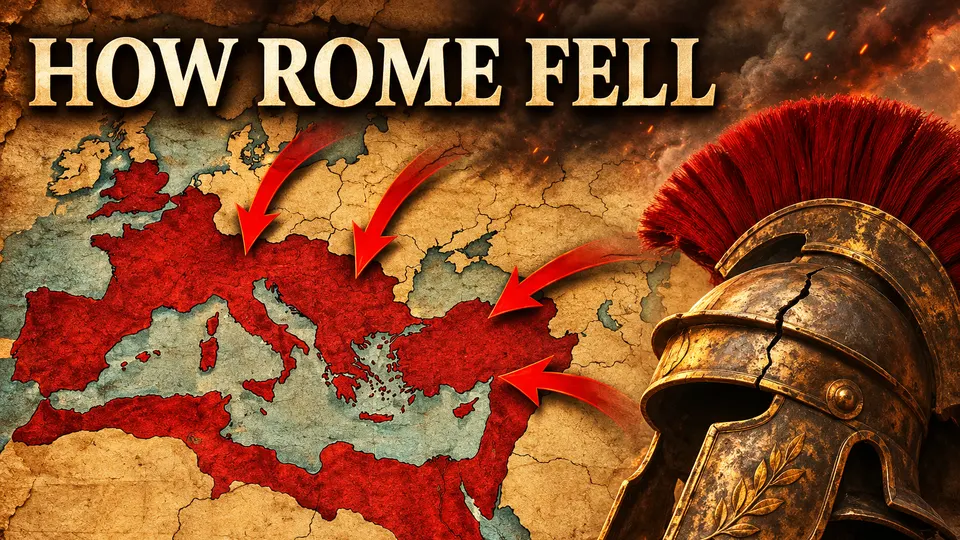
Made-up example, not a real video. How Rome Really Fell
An aged parchment map of the Mediterranean, with the empire's land painted red and red arrows pressing in from several directions. A cracked bronze helmet with a red crest fills the right side, with smoke and embers drifting above it. HOW ROME FELL is set in cream serif capitals across the top. There is no host: the helmet does the job of a face, and its crack tells the ending. The words are the title without "Really", so the title can add that word to promise a new angle on a familiar story.
Do the example titles fit?
We wrapped each example title into YouTube's title boxes with the same code our Title Checker uses. The box sizes were measured on youtube.com in November 2026, and this table was computed on 2026-11-17. All three are shown in full on every surface we measure. Short titles are the norm in the examples for a reason: the thumbnail carries the hook, so the title can stay brief.
| Title | Characters | Home feed, laptop | Home feed, large monitor | Search results, laptop | Up next sidebar, laptop | Phone feed, 390px wide |
|---|---|---|---|---|---|---|
| How Deep Can We Actually Dig? | 29 | Shown in full | Shown in full | Shown in full | Shown in full | Shown in full |
| The Classroom Trick That Makes Fractions Easy | 45 | Shown in full | Shown in full | Shown in full | Shown in full | Shown in full |
| How Rome Really Fell | 20 | Shown in full | Shown in full | Shown in full | Shown in full | Shown in full |
The narrowest box is the up next sidebar on a laptop: 129 pixels wide, three lines. The full method and numbers are in our guide to where YouTube cuts off titles.
When to break the pattern
- If your channel's draw is the presenter, a real face with a clear expression can outrank the diagram. Keep it calm and let one simple drawing sit beside it.
- For a topic the viewer already thinks they understand, a claim that contradicts them (IT'S NOT GRAVITY) can work better than a question.
- Not every explainer needs arrows. If the picture itself is surprising, such as an object at an unexpected scale, let it stand alone.
Check your own thumbnail
- Shrink it to sidebar size. Can you still tell what the one idea is?
- Is there a single picture of the idea, or several competing ones?
- Do the words state a question or a claim, in three words or fewer?
- Does the face, or the object standing in for one, look like someone you would trust to explain it?
See yours next to these three
The Thumbnail Preview opens with the education and explainer examples already in place. Add your thumbnail and title to see them in the home feed, search, up next and on a phone. Nothing is uploaded.